Your flight is two days away, and the carry-on you always use is sitting beside a growing pile of clothes. Before deciding what to pack, give the bag itself a size check. This small AR activity has one useful outcome: a record of its outside dimensions to compare with your flight's baggage allowance.
Start With the Rules for Your Flight
Open your airline's current baggage page and check the allowance attached to your booking. Note the permitted dimensions and any weight limit. IATA explains that carry-on allowances vary by airline, cabin class and aircraft type. Use your own flight's requirements for this exercise.
Set Up Luggify and Scan One Bag
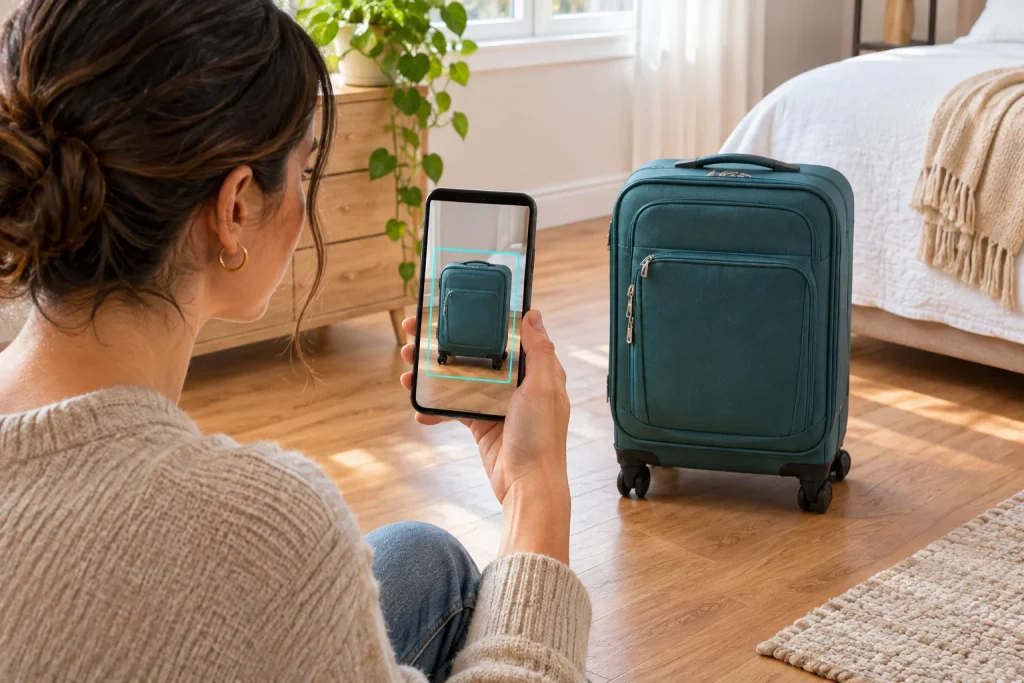
The official Luggify App Store listing describes guided AR luggage measurement, an airline-limit outline around the bag, and saved measurements with photos. The iPhone listing requires iOS 18 or later and describes a one-time purchase. Check its current price and compatibility on your phone before downloading.
Choose one carry-on for the exercise and put it on the floor with room to move around it. In Luggify, select your airline and follow the guided scan for the floor, corners and height. The listing describes live dimensions in centimeters or inches, with a colored verdict comparing the measurement against the selected airline's limits.
Pay attention to the bag's outside edges. For example, American Airlines includes handles and wheels in its carry-on measurements. Follow your carrier's measurement instructions and use a tape measure to double-check any edge you are unsure about.
Use the Result to Make a Decision
Look at the dimensions alongside the airline's published allowance. Treat a close result as a reason to check again, rather than a reason to squeeze in another item. If the outside measurements exceed the allowance, consider another bag or review the airline's checked-baggage options before you pack.
The AR outline makes the comparison visible around a real object. It does not tell you how many outfits will fit inside, weigh your belongings, or guarantee that the airline will accept the bag. Keep the goal modest: understand the bag's exterior size and decide what needs another check.
Pack, Close the Bag, and Check Again
For this exercise, make a second check after packing and closing the bag as you intend to travel with it. Include filled pockets and any expanded section in that check. If your flight has a weight limit, use a scale for the packed bag and compare the result with the carrier's rule.
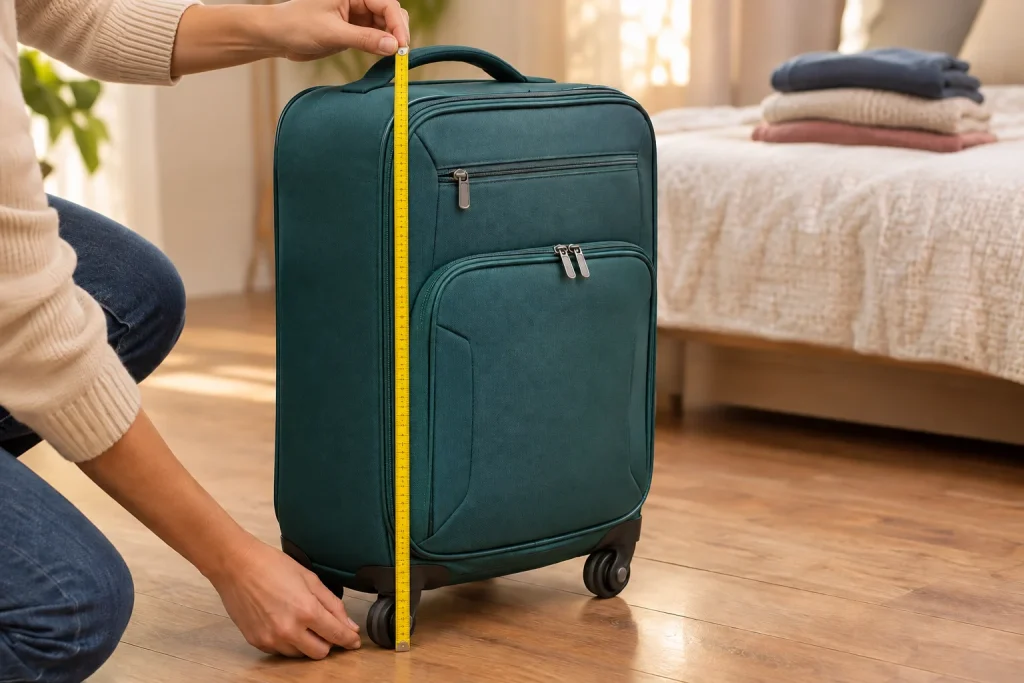
Luggify's listing describes saving a measurement with a photo and sharing a bag card. Use that record as a planning reference, then confirm the current limits with your airline before flying. Your takeaway is a checked bag and a short note about any size or weight question still to resolve.
Make It a Shared Pre-Trip Check
Try this with the carry-on you plan to take on your next flight. If you are traveling with a friend, send them this article and invite them to check their own bag while you check yours. Compare your notes, look up any unclear rule together, and finish with one practical decision: keep this bag, repack it, or choose another. Which part of your usual packing routine would you check first?