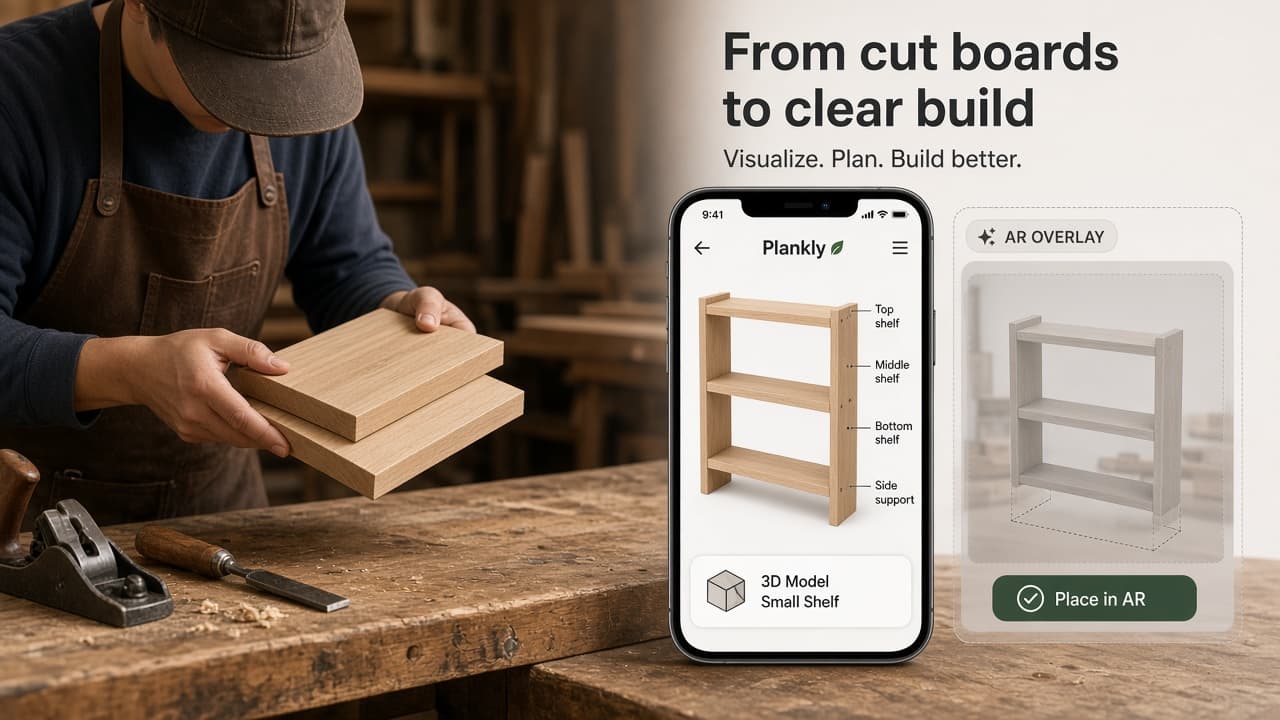
You stand at the bench with cut boards already laid out for a small shelf or nightstand. The goal is simply to settle on one final arrangement and a clear order for joining the parts so the next session can begin without hesitation.
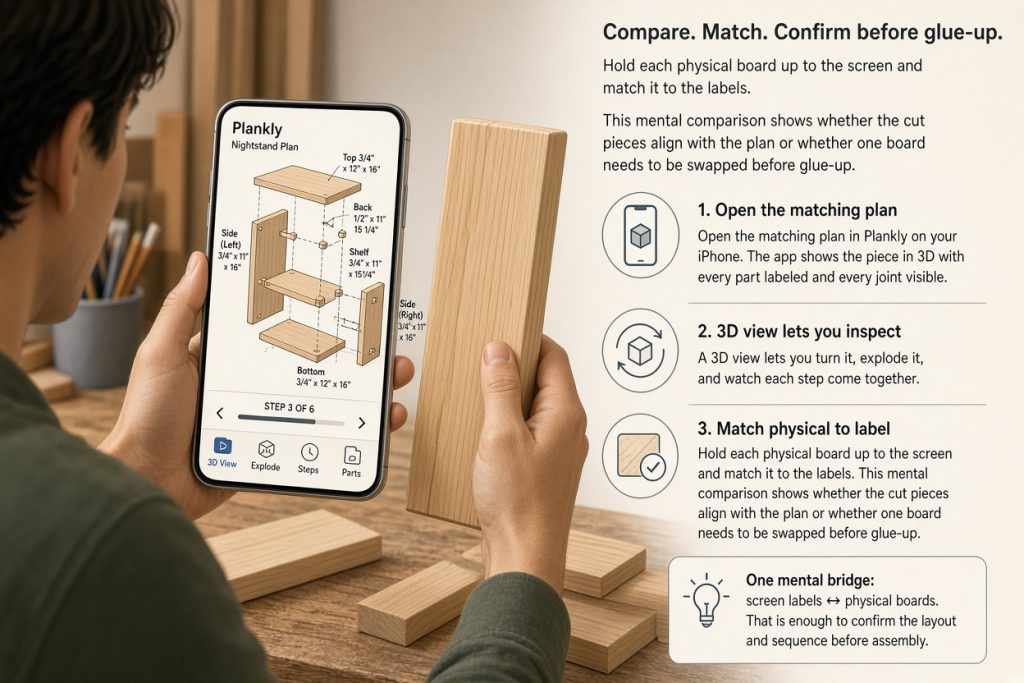
Open the matching plan in Plankly on your iPhone. The app shows the piece in 3D with every part labeled and every joint visible. A 3D view lets you turn it, explode it, and watch each step come together. Hold each physical board up to the screen and match it to the labels. This mental comparison shows whether the cut pieces align with the plan or whether one board needs to be swapped before glue-up.
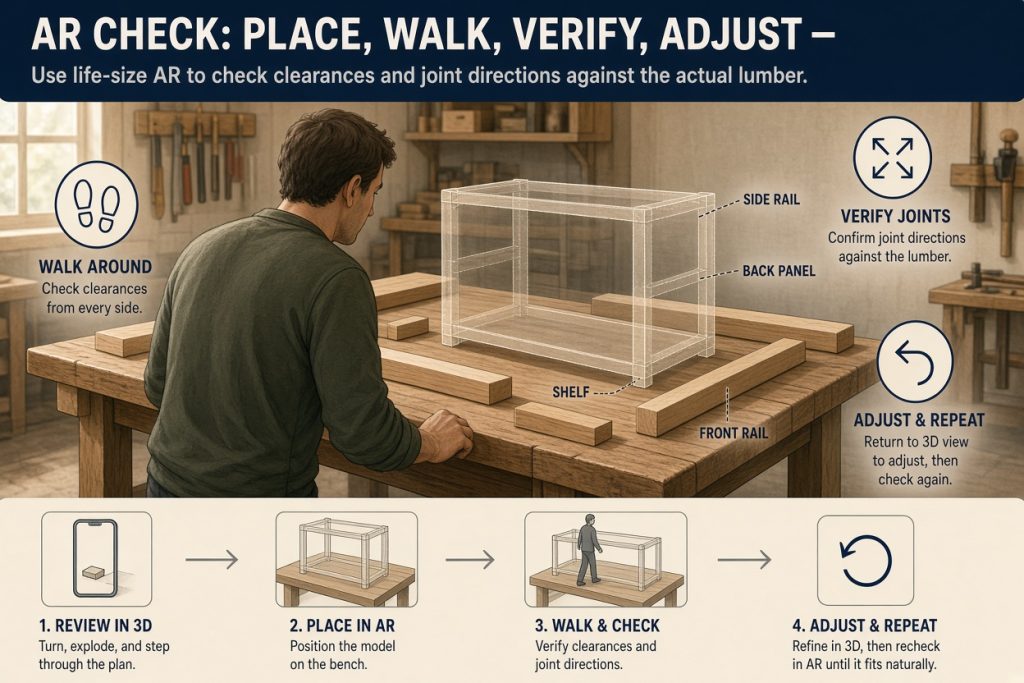
When the sequence feels right, switch to life-size AR and place the model directly on the bench. Walk around the overlay to check clearances and joint directions against the actual lumber. If a part sits awkwardly, return to the 3D view, adjust the arrangement, and repeat the AR check until the layout sits naturally.
Once the layout is settled, export the PDF or capture screenshots of the chosen steps. These notes travel to the bench for the next session and keep the sequence consistent even if several days pass.
The only extra step required is your own comparison between screen labels and physical boards; the app does not project numbers onto the real wood. That single mental bridge is enough to reach a confirmed layout and a written sequence before you begin assembly.