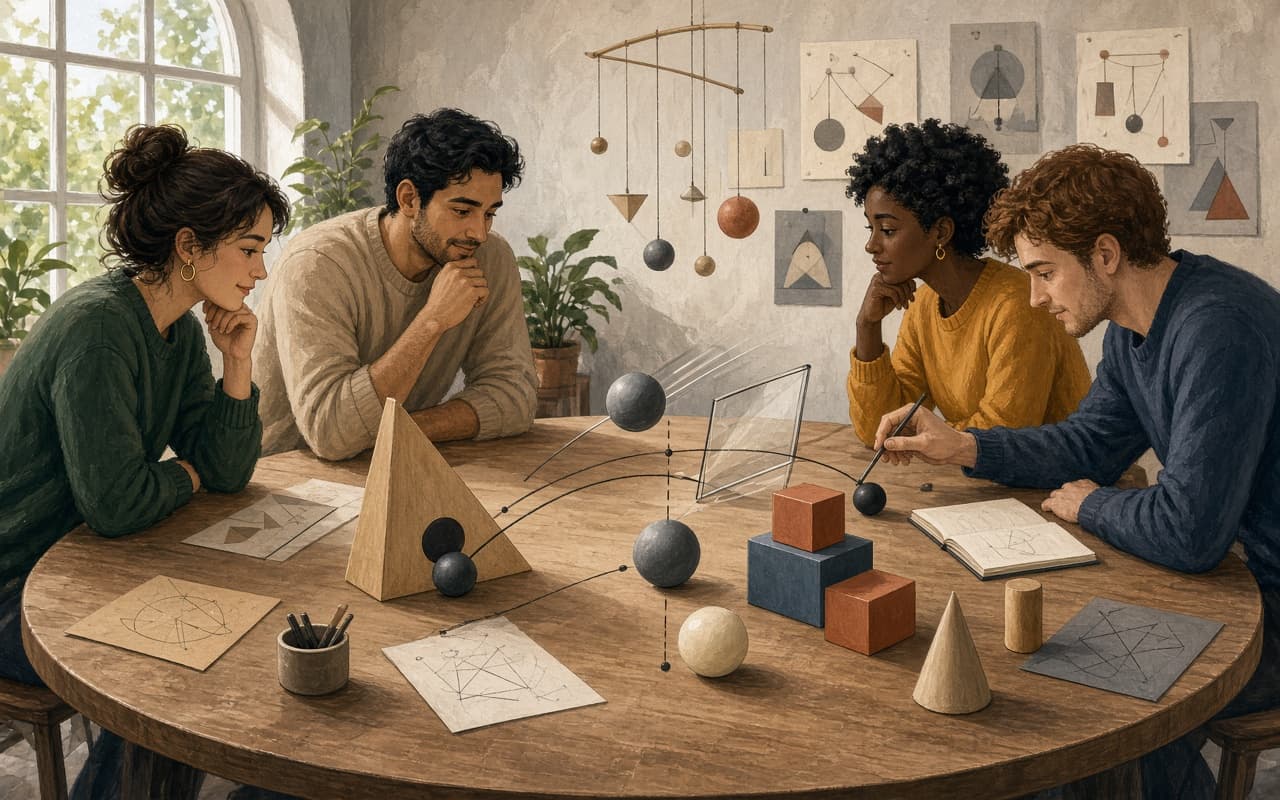
A small group wants a shared creative activity that needs no physical props and fits on a table or open floor space. They decide to build one simple physics scene together so everyone can watch objects interact and discuss what happens.
Build a Small Scene Together
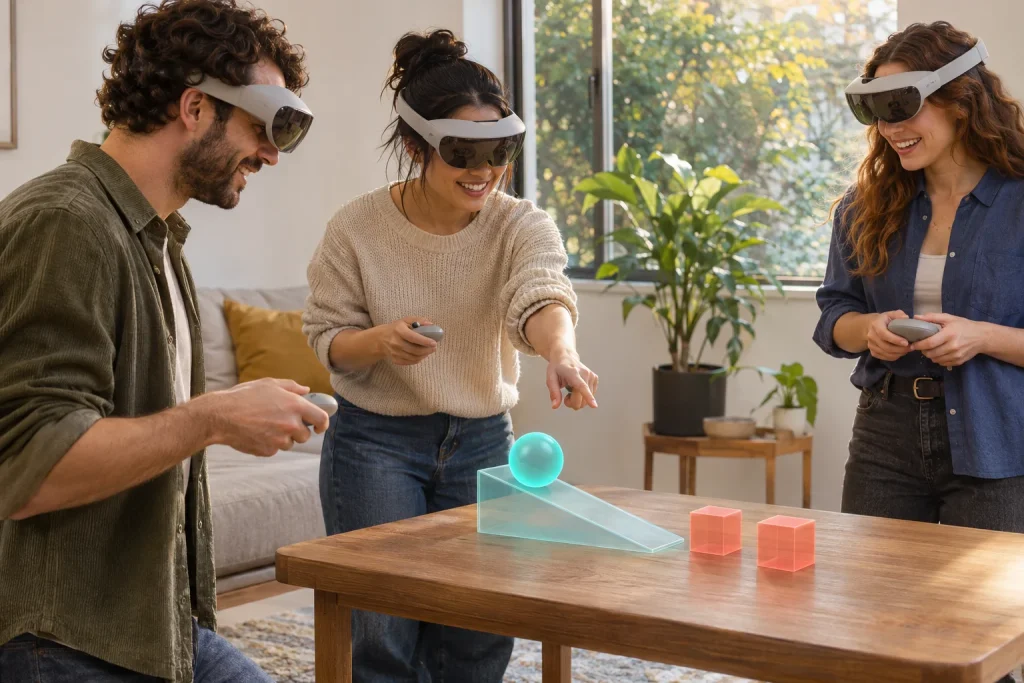
The group starts a multiplayer session in Figmin XR to create, collect, and play with holograms with friends. Everyone sees and works inside the same shared space.
Using geometry brushes they create basic shapes such as circles, cubes and lines directly in the shared space. The scene stays small enough for everyone to see the entire setup at once.
They then add gravity, collisions, and real-world physics to selected objects so the shapes behave like real objects in the shared scene.
Test One Interaction
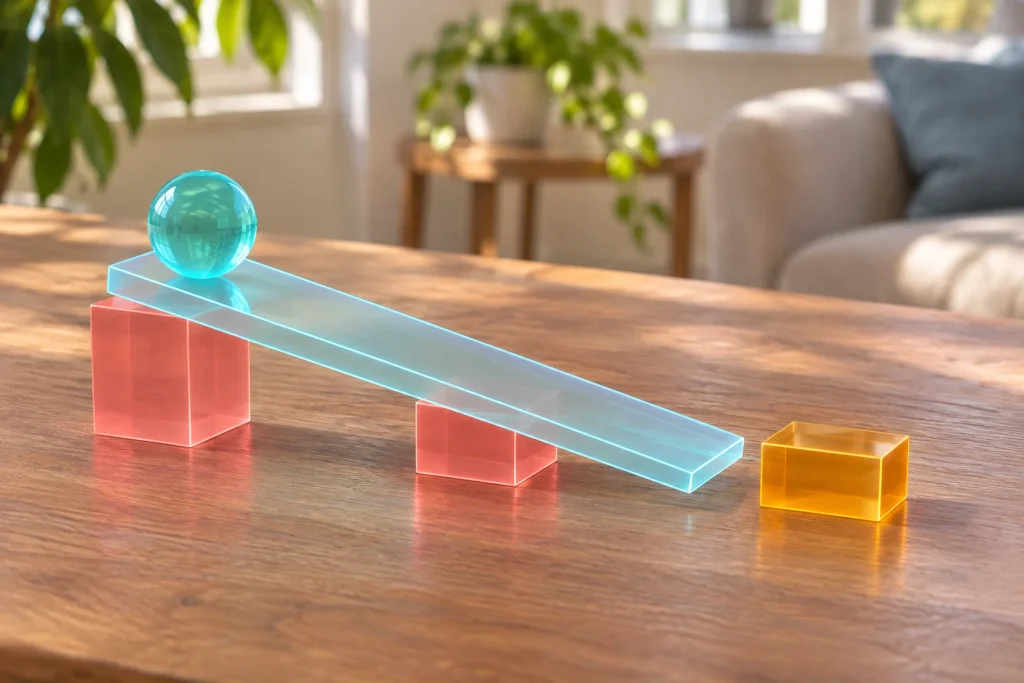
After placing the objects the group chooses one interaction to test, for example releasing a sphere so it rolls down a ramp formed by cubes and collides with another shape. Everyone watches the result together.
End With a Shared Observation
When the test produces a clear outcome the session ends with a short group note describing the observed result. The single completed scene plus the brief shared observation is the modest takeaway. The activity stays focused on one joint placement and one test so the group finishes with a concrete artifact and a clear memory of how the objects behaved.
Get Started With Figmin XR and Invite Your Friends
Start at the official Figmin XR website and use its "Get Figmin XR" links to find the store listing for your device. Check that listing's current price and device requirements before installing.
Once you have the app, work through the Beginner's Guide and Basic Controls tutorials in the learning guide linked above. Practice moving and resizing an object, then explore the shape and physics tutorials before arranging the group session.
Invite a friend, or a small group, to try the activity with you. Share this article, choose a time, and use the guide's Multiplayer tutorial to prepare for working in a shared space. Bring one simple idea for an interaction you'd like to build together. What will your group test first?