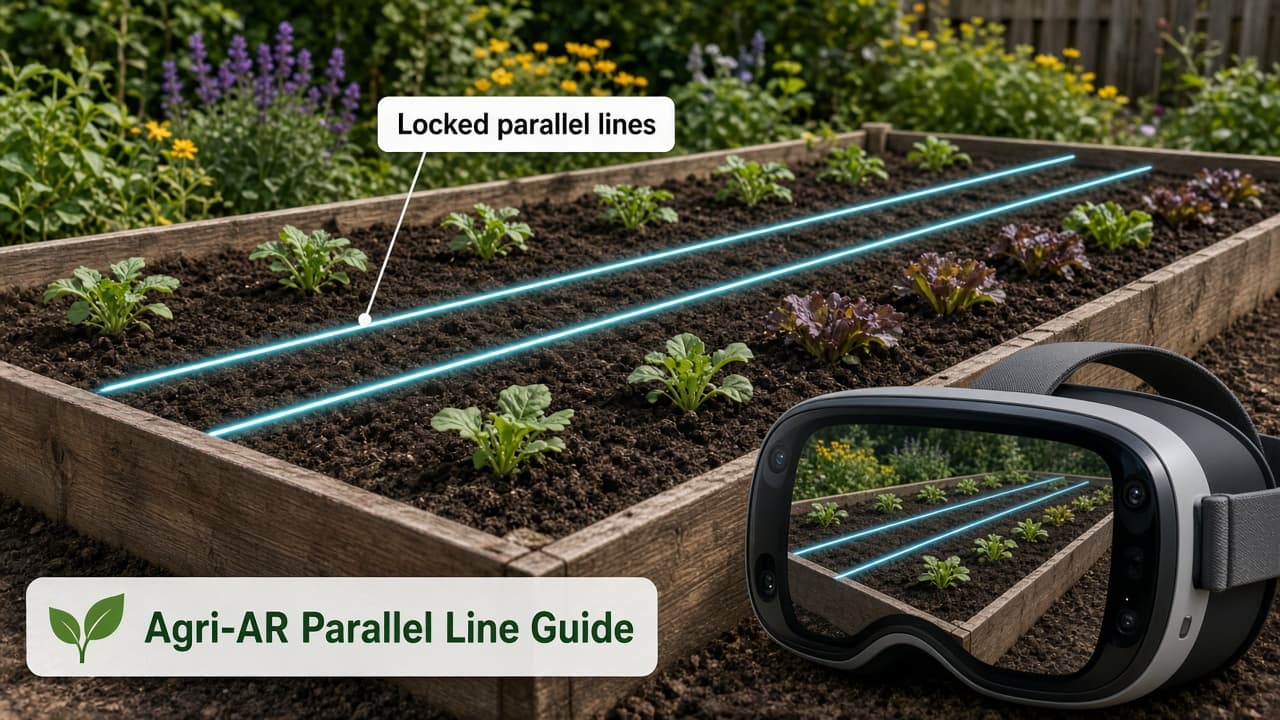
Plan your garden rows with AR overlays
You stand at the edge of a raised garden bed with seed packets in one hand and a vague memory of recommended spacing in the other. The soil is ready, yet laying out straight, evenly spaced rows without tape measures, stakes, or constant readjustment feels fiddly. Agri-AR’s Parallel Line Guide lets you place and lock two or more parallel lines directly over the real bed so the layout stays fixed while you walk the space and decide on clearance for paths and tools.
Anchor parallel lines in your real garden bed
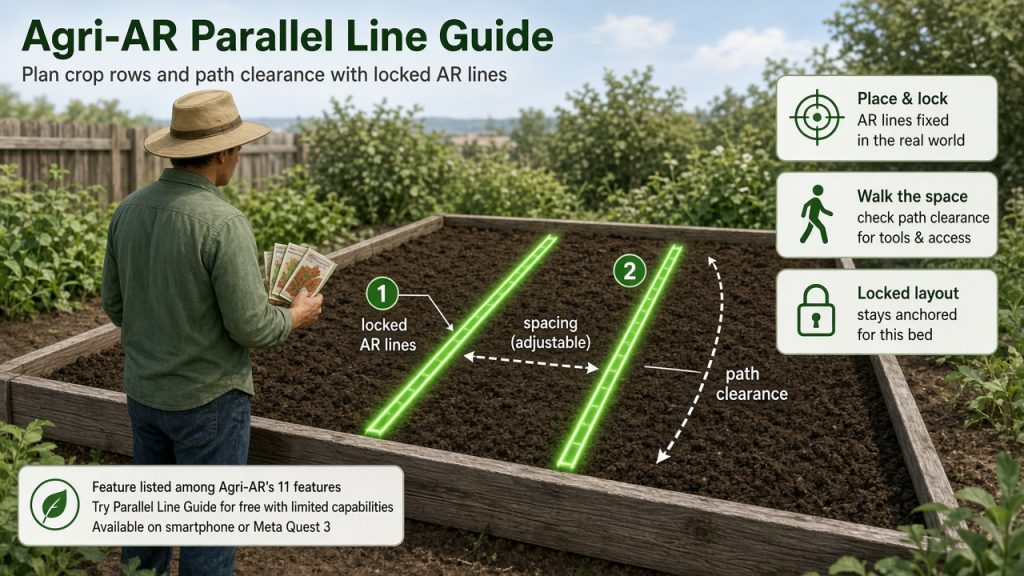
The app runs on a smartphone or Meta Quest 3. After opening the Parallel Line Guide feature you point the device at the bed surface so the system detects the plane. Two parallel lines appear in the live view and can be positioned, spaced, and locked so they remain anchored even if you move around the bed.
Select the feature and let the camera detect the garden surface. The lines appear as AR overlays fixed in the real world. With GNSS-RTK enabled they maintain centimeter-level accuracy across the bed; without it the visual anchors still hold the lines steady for the duration of your planning session.
Adjust spacing and inspect access
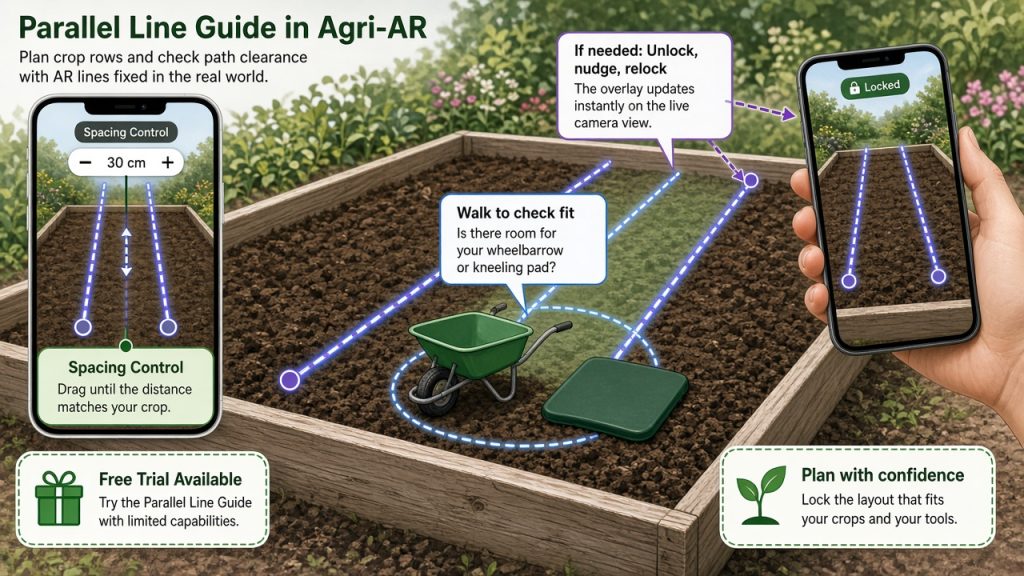
Drag the spacing control until the distance between lines matches the crop you plan to sow. Walk between the lines to check whether your wheelbarrow or kneeling pad will fit comfortably. If a line needs shifting, unlock, nudge, and relock; the overlay updates instantly on the live camera view.
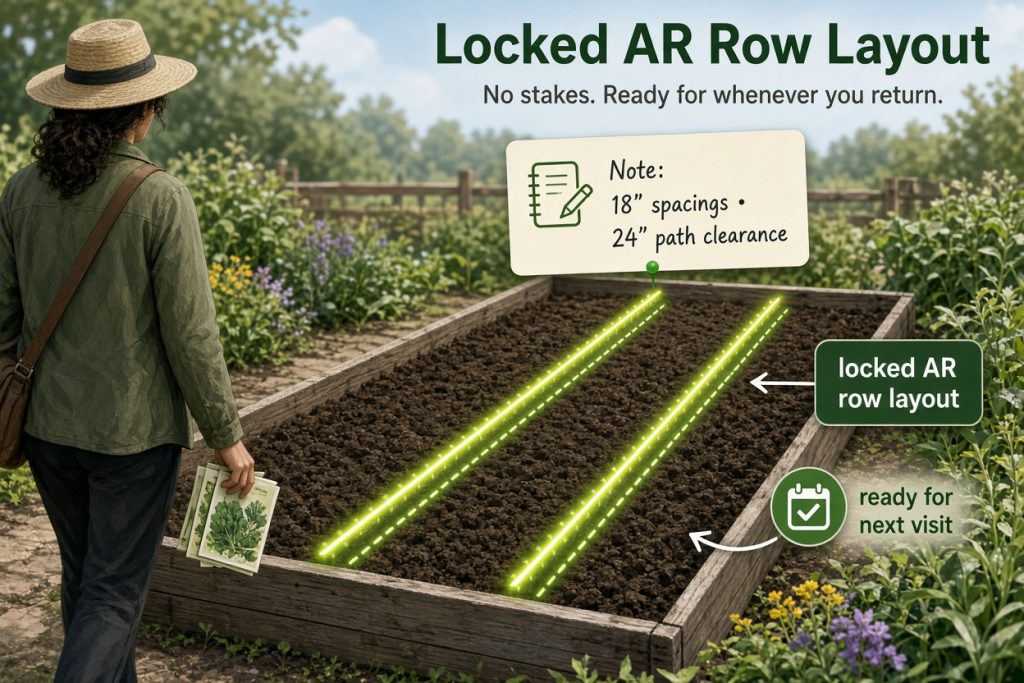
When the layout looks right, add a short personal note inside the app about the chosen spacing or path clearance. The locked lines and note stay available for reference the next time you open the project.
Handle minor drift on uneven ground
On a breezy day or uneven surface the visual anchors can drift slightly. Pause, re-detect the plane, and relock the lines; the same GNSS-RTK option that supports wide-area work also steadies the overlay when available. The free trial of the Parallel Line Guide lets you test this workflow before committing to a paid plan.
Leave with a reusable AR layout for planting
You leave the garden with one locked AR row layout and a note on spacing or path clearance that directly informs your planting decision. No physical stakes remain, yet the precise guides are ready whenever you return to sow or to adjust the plan for the next crop.
Get started with Agri-AR
Visit the official Agri-AR site to explore download options for your smartphone or Meta Quest 3, review current device requirements, and check pricing details. The support resources there include beginner guidance on using the app’s features.
Ready to try the Parallel Line Guide in your own garden? Share this article with a friend who gardens, pick a calm afternoon, and bring one simple spacing idea to test on your first bed.