
You glance out the window and notice a particular cloud formation or the way the wind is moving leaves in a steady pattern. Seasons on Apple Vision Pro lets you open an immersive version of a matching condition, rotate a 3D globe or map overlay, and view corresponding temperature, precipitation, or cloud-cover data.
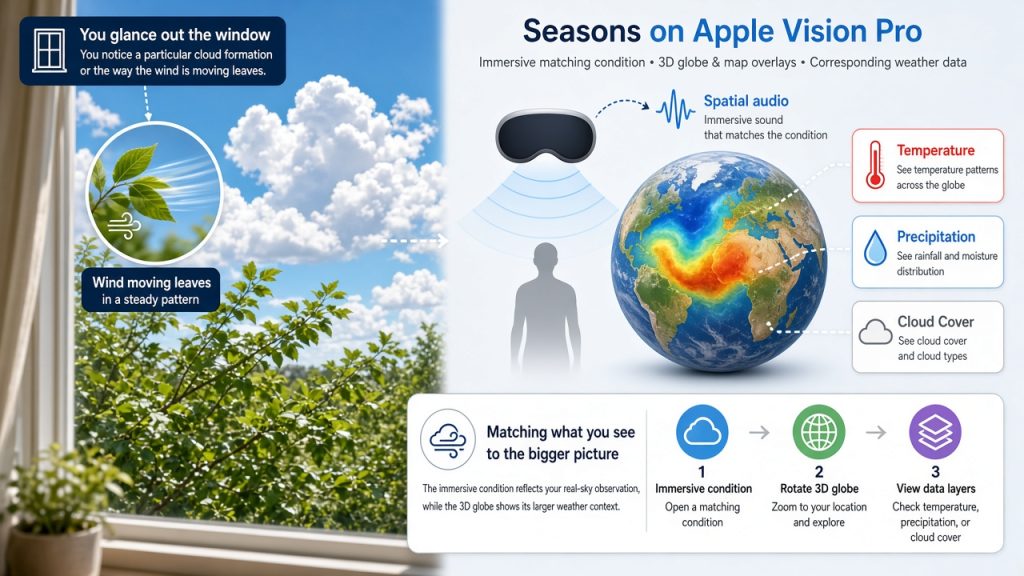
It lists 34 immersive weather conditions with spatial audio plus a 3D globe view that supports temperature, precipitation, and cloud-cover map tiles.
Why Matching Sky Observations to Data Matters
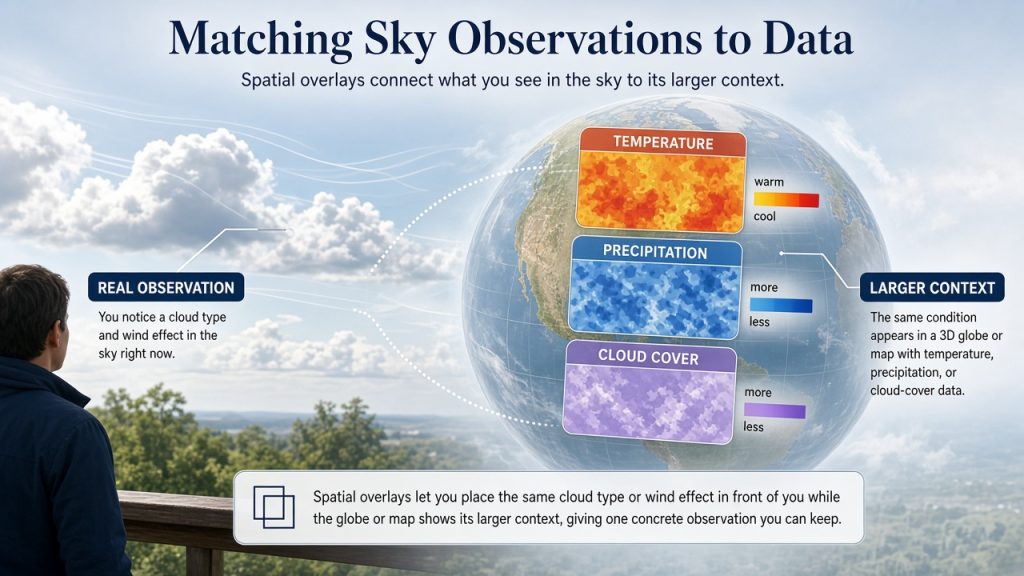
Everyday sky watching often stays separate from detailed forecast data. Spatial overlays let you place the same cloud type or wind effect in front of you while the globe or map shows its larger context, giving one concrete observation you can keep.
Getting Started
Download Seasons from the App Store and check the latest device requirements and pricing there.
Your First Sky-Matching Session
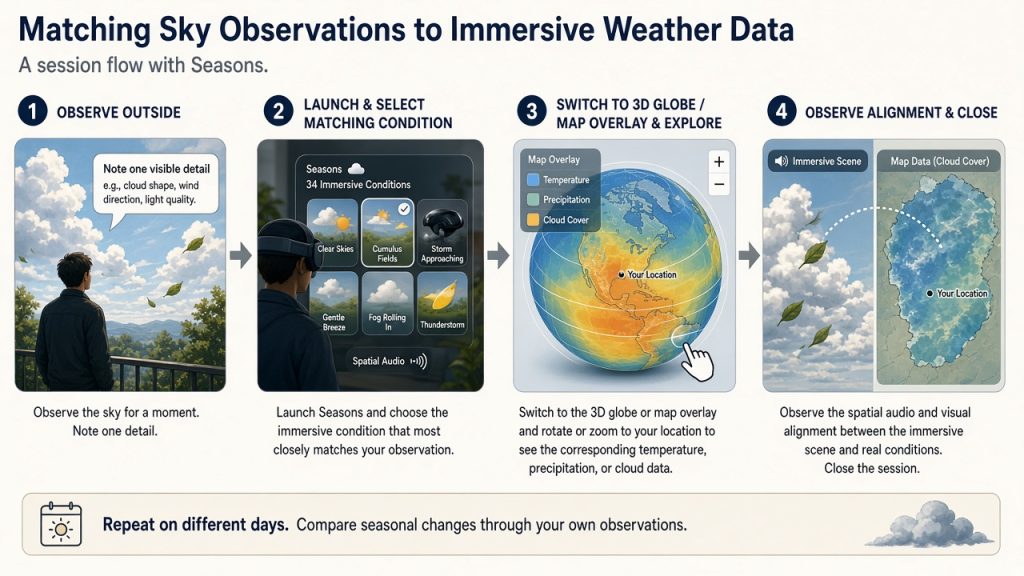
Step outside or stand by a window for one minute. Note one visible detail such as cloud shape, wind direction on trees, or light quality. You will need Apple Vision Pro with the free Seasons app installed from the App Store and a clear view of the current sky or local wind effect.
Launch Seasons and choose the immersive condition that most closely matches what you just observed outside. Switch to the 3D globe or map overlay and rotate or zoom to your location to see the corresponding temperature, precipitation, or cloud data. Observe the spatial audio and visual alignment between the immersive scene and real conditions. Close the session. The experience supports repeated use on different days.
Reflecting on the Experience
After the session, ask yourself: Did the immersive view make the scale or movement of the real-sky detail easier to compare?
Continuing Your Explorations
On another day with different conditions, repeat the same three steps and compare the experiences side by side.
Try the activity yourself on your next clear day, share this article with a friend, choose a time that works for you, and bring one simple idea like noting a single cloud shape to test.