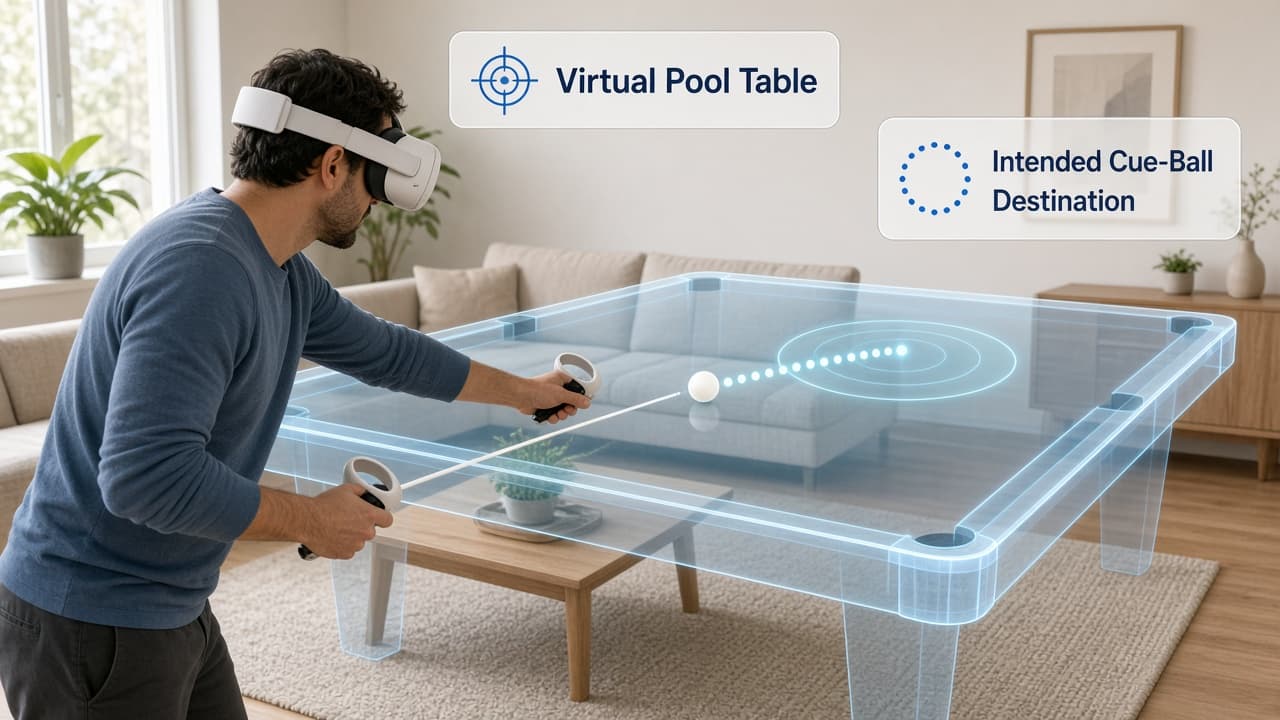
You sink a ball, then discover that the white cue ball has stopped somewhere awkward. The shot worked; the position it left you did not. That is a useful focus for a short pool session: think about where the cue ball will finish before you try to pocket the next ball.
You can explore that idea at home without installing a physical pool table. MiRacle Pool offers mixed-reality billiards and practice mode. The exercise below is a suggested way to use those tools, not a built-in lesson or a promise that virtual practice will improve your play on a real table.
Get a comfortable view of the table
You will need the game, a compatible Meta Quest headset, controllers and an internet connection. The official store listing identifies Quest 2, Quest Pro, Quest 3 and Quest 3S support. It describes an aim, lock and shoot control system, plus joystick controls for moving and rotating the virtual table. Check the current price and device requirements before buying.
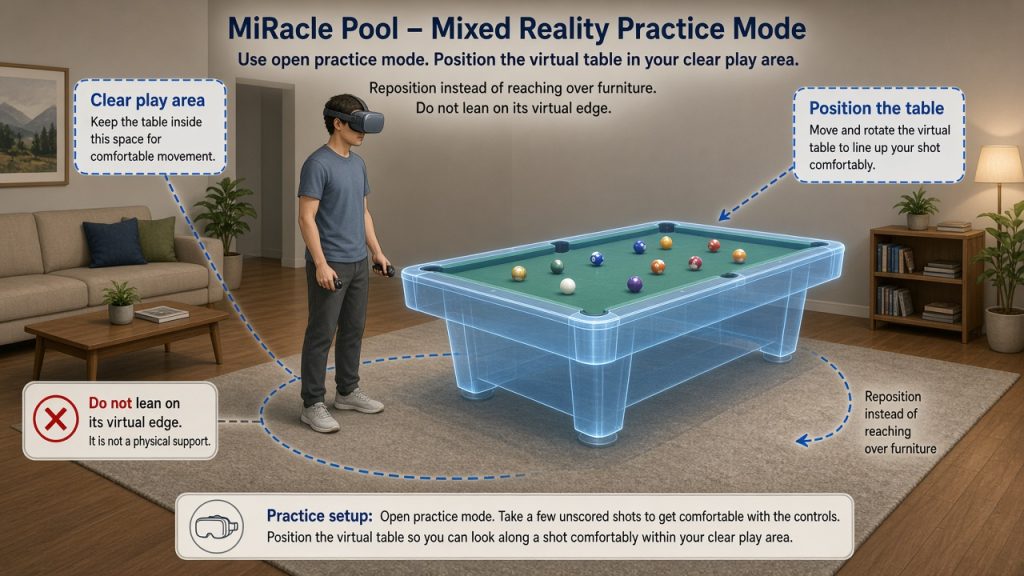
Use mixed reality and open practice mode. Take a few unscored shots to get comfortable with the controls before starting the exercise. Position the table so you can look along a shot comfortably within your clear play area. Reposition the virtual table when necessary instead of reaching over furniture. Do not lean on its virtual edge: it is not a physical support.
Give each shot two intentions
For your next five shots, pause before you shoot and make two choices:
- Choose the immediate shot. Pick the ball you want to pocket and the pocket you intend to use. Start with something that looks manageable rather than the most ambitious shot on the table.
- Choose the position you want afterward. Look for another ball you might play next. Pick a broad area where you would like the cue ball to stop, such as nearer the middle of the table. You are choosing a destination by eye, not placing a digital target.
Say your intention quietly to yourself: “This ball into that pocket; leave the cue ball toward the middle.” Then take the shot and let the balls settle.
Look at the result before choosing again. Did you pocket the intended ball? Where did the cue ball actually stop? Most importantly, does the position now give you a next shot you would want to take?
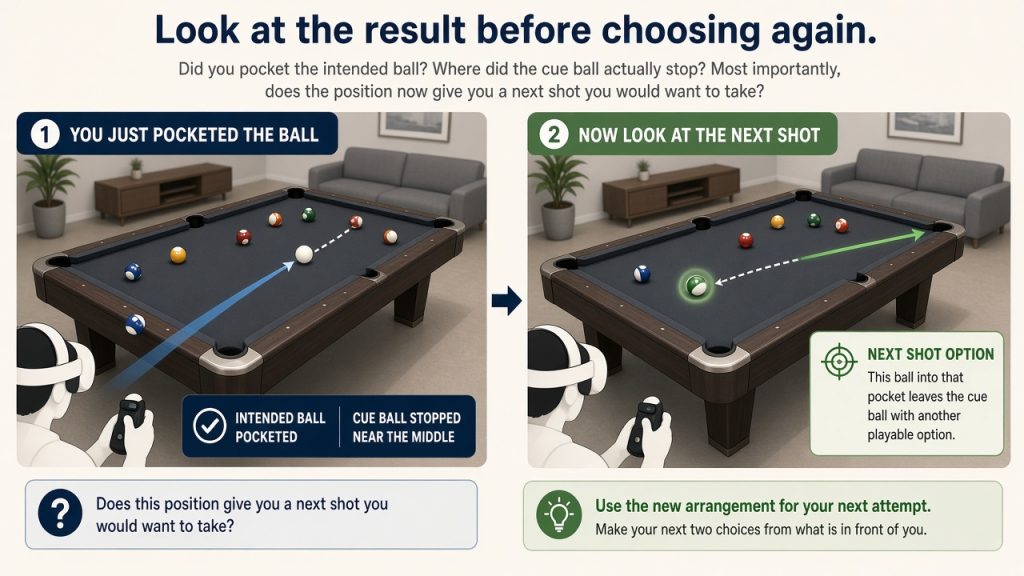
Use the new arrangement for your next attempt. There is no need to recreate an identical setup, record a replay or find a special drill menu. If you miss, the resulting layout is still useful: make your next two choices from what is in front of you.
Stop with a decision you can explain
After five considered shots—or about ten minutes—stop and choose one decision you would change. Perhaps you concentrated on pocketing a ball and never chose a destination for the cue ball. Perhaps the position you wanted would not have helped with the next shot after all.
Finish by saying one specific intention aloud: “Before I shoot, I will look at the next ball as well.” The result is a completed sequence of deliberate shot choices and one adjustment you can describe.
The appeal here is a small, purposeful leisure activity: looking across a virtual table, making a prediction and seeing what happens. If you already have easy access to a physical table, try the same two-intention exercise there. In mixed reality, keep the goal modest—make this session more deliberate, rather than treating the simulator as a substitute for real-table experience.