
You have a quiet evening and want a few minutes of focused rhythm practice without a physical drum kit. Spatial Drums on Vision Pro lets you place a virtual kit and play one short pattern while the app tracks timing. Spatial Drums
Open the app, choose a basic rhythm from the catalog, position the kit in clear floor space, and play using hand tracking or a foot stomp for the kick. After one completed pattern, note the timing score or streak the app displays.
Place the kit and choose a rhythm
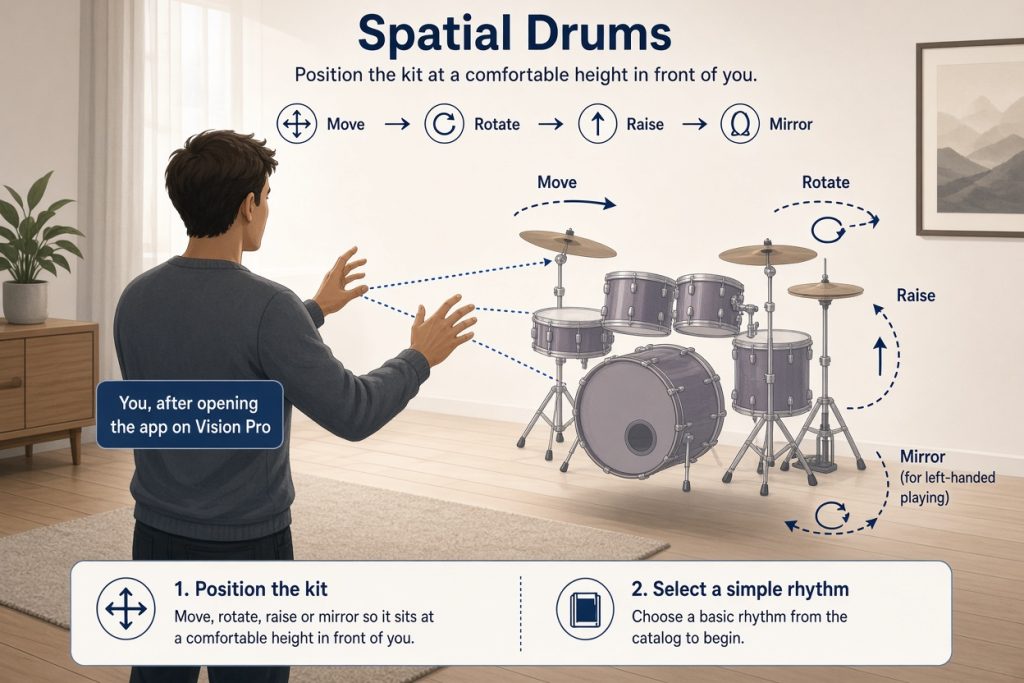
After opening the app on your Vision Pro, move, rotate, raise or mirror the kit so it sits at a comfortable height in front of you. Move, rotate, raise and mirror the kit. Select a simple rhythm from the catalog to begin.
Play one pattern
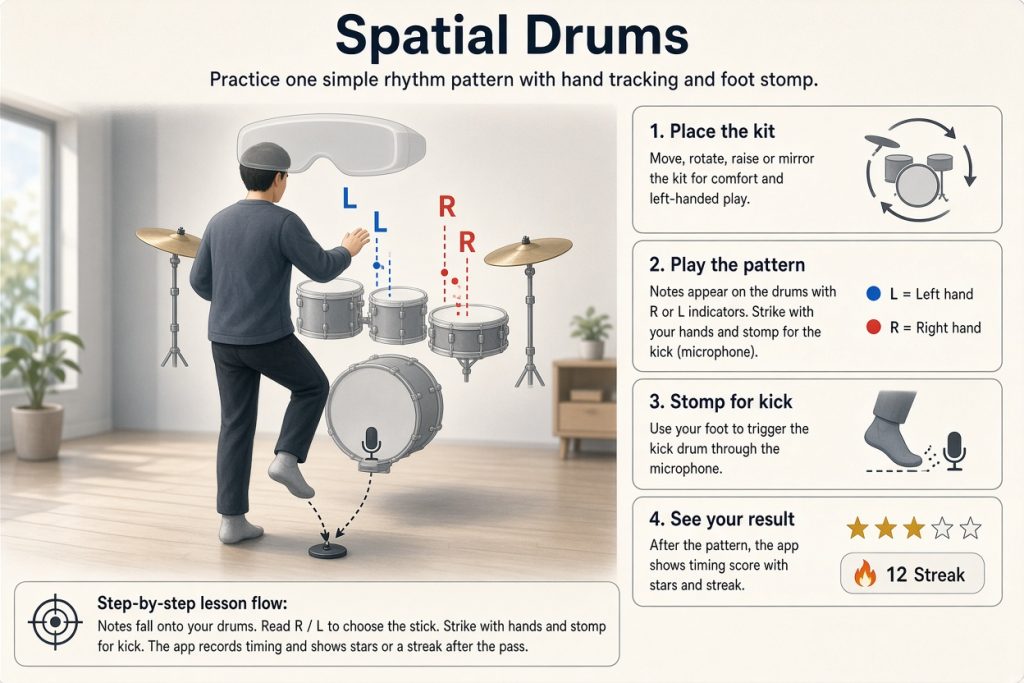
Notes appear on the drums with R or L indicators. Strike with your hands and use a foot stomp for the kick drum. Step-by-step lessons with notes that fall right onto your drums. R / L on every note shows which stick to use. Stomp your foot to play the kick drum (microphone). The app records timing and shows stars or a streak after the pass. Timing calibration and scoring with stars and streaks
Note the result
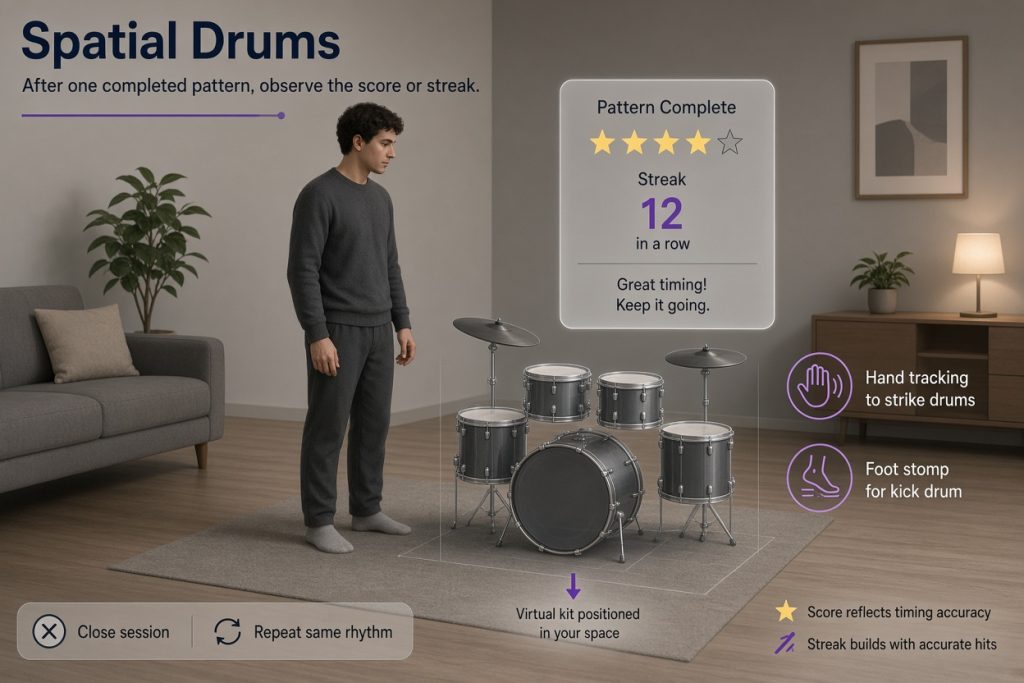
After one completed pattern, observe the score or streak. Close the session or repeat the same rhythm once more if you want another data point.
The same placement and play steps work for any later short session when you want quick rhythm contact without a physical kit.