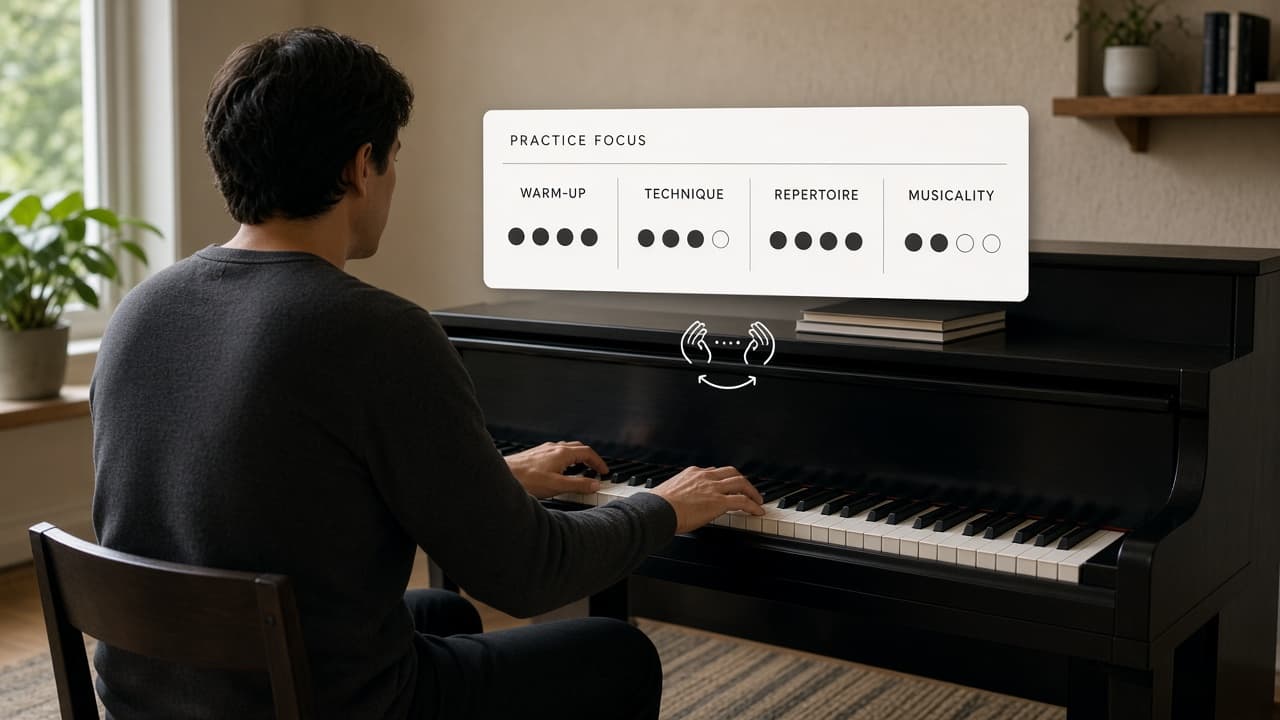
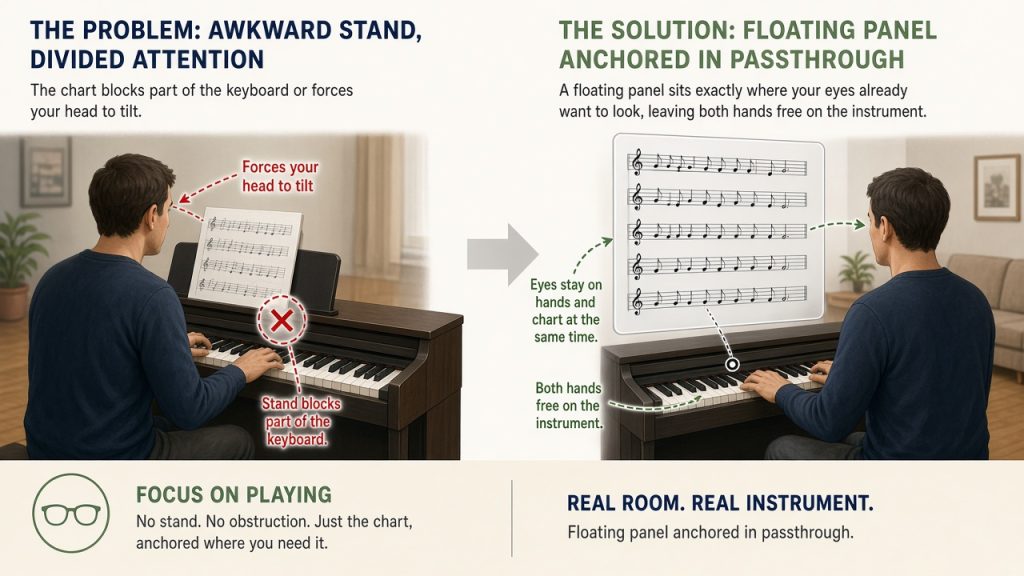
You sit down to run a short scale or passage on a real instrument and the music stand keeps sliding or sitting just out of comfortable view. The chart blocks part of the keyboard or forces your head to tilt. A floating panel anchored in passthrough can sit exactly where your eyes already want to look, leaving both hands free on the instrument.
Get Started with the App
Visit the Meta Quest store page for VR Music Performance Kit to check current device requirements and pricing, and explore any official beginner tutorials available there.
Position the Chart in Passthrough
Load one PNG practice chart into VR Music Performance Kit on Meta Quest. In passthrough the chart appears as a crisp floating panel. Grab the panel with your hand and drag it to the precise spot above or beside the instrument so your eyes stay on your hands and the chart at the same time. Play the short passage once while reading from that fixed position.
Perform a Hands-Free Practice Run
Choose a single scale or four-bar phrase you want to play cleanly. Position the panel once, then keep your hands on the instrument for the entire run. If the panel needs a small shift mid-passage, pause, drag it a few inches, and resume. When the passage ends, note one concrete observation such as “left hand sat lower than expected on the third measure.”
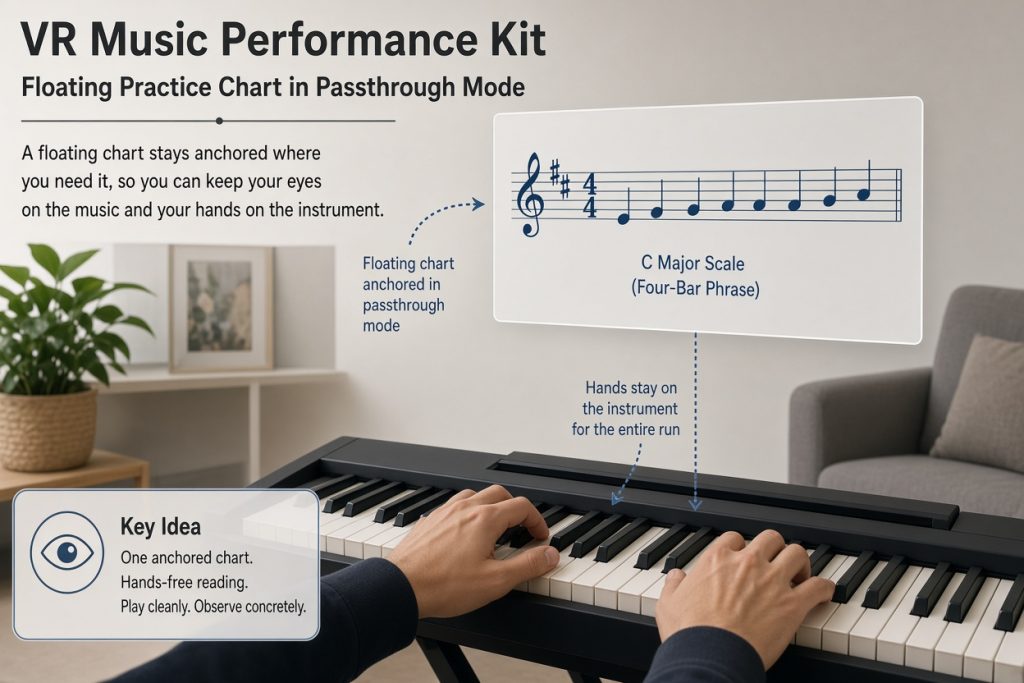
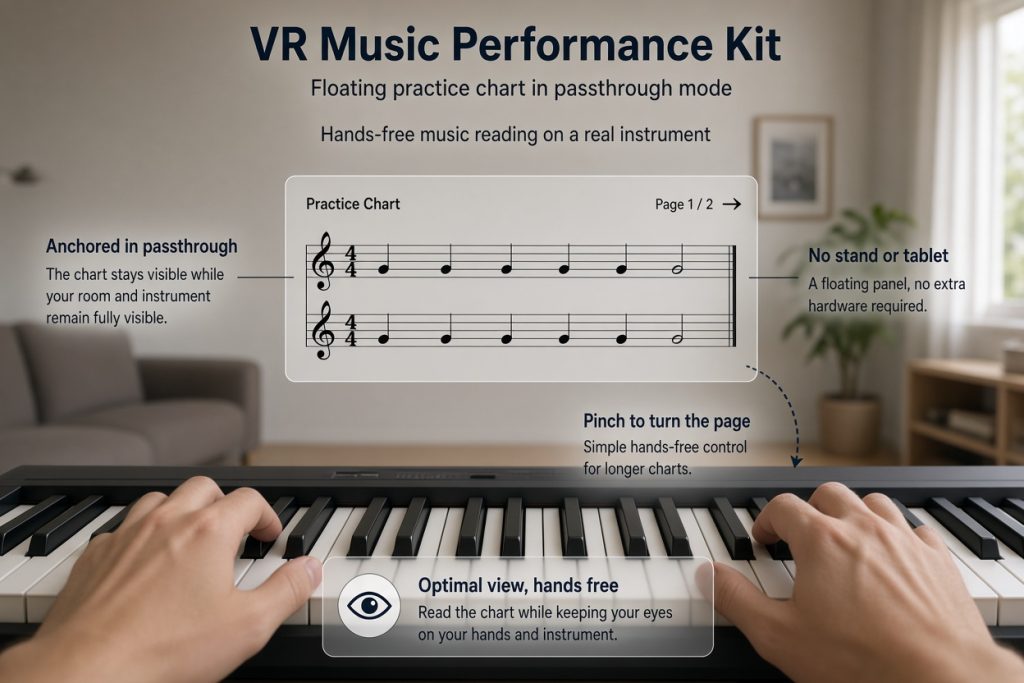
The same panel stays visible in passthrough while the real room and your instrument remain fully visible around it. No stand or tablet is required, and a simple pinch gesture turns the page when you reach a longer chart.
Fix Common View Issues
The panel may initially appear at an angle that hides part of the notation. Reach out, grab an edge, and rotate or slide it until every line is level and readable. If the second panel for patterns is visible and distracting, a fist gesture hides it so only the main chart remains.
Complete Your Session with Notes
After the pass, remove the headset or simply hide the panel. You now have one completed hands-free reading of the chosen passage and a short personal note about hand position or timing. That single anchored placement and the note you wrote are the only required results.
Share this article with a friend, choose a time that fits your schedule, and bring one simple scale idea to test with the floating panel.