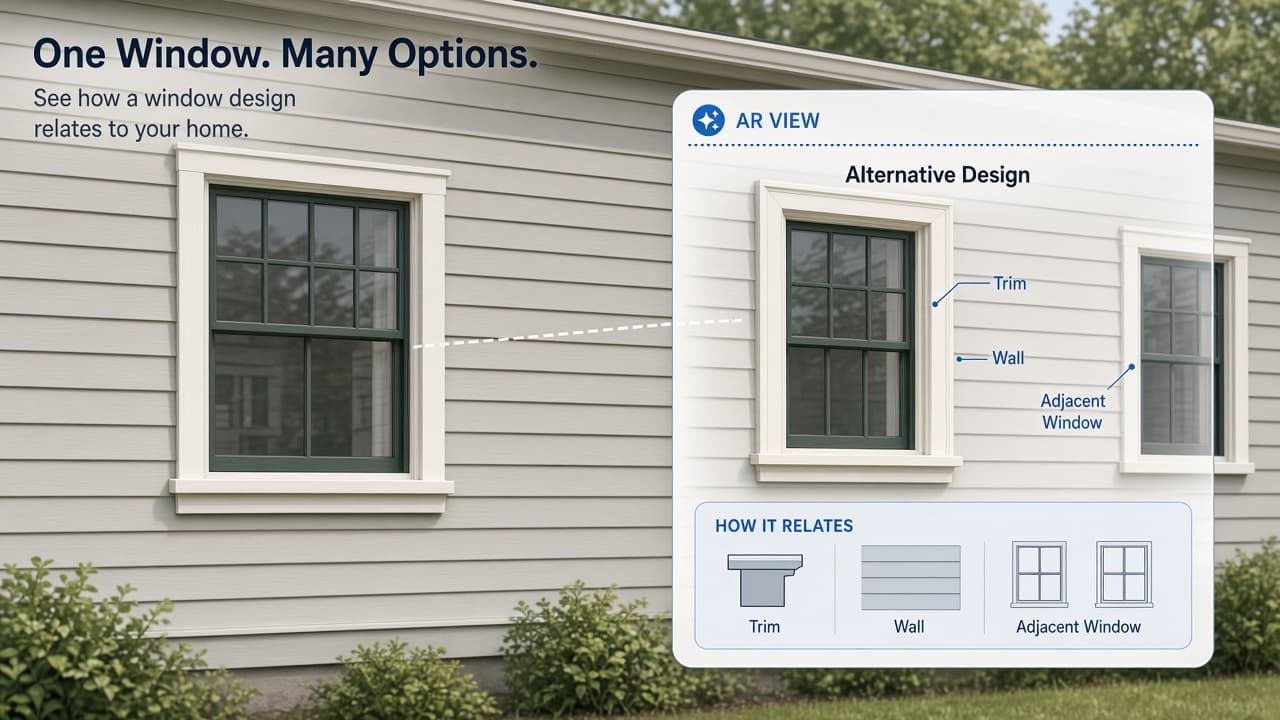
A replacement window can look right in a catalogue and still feel wrong on your house. Before committing to a style, try one small visual experiment: compare a proposed design with the wall, trim and neighbouring windows you already have.
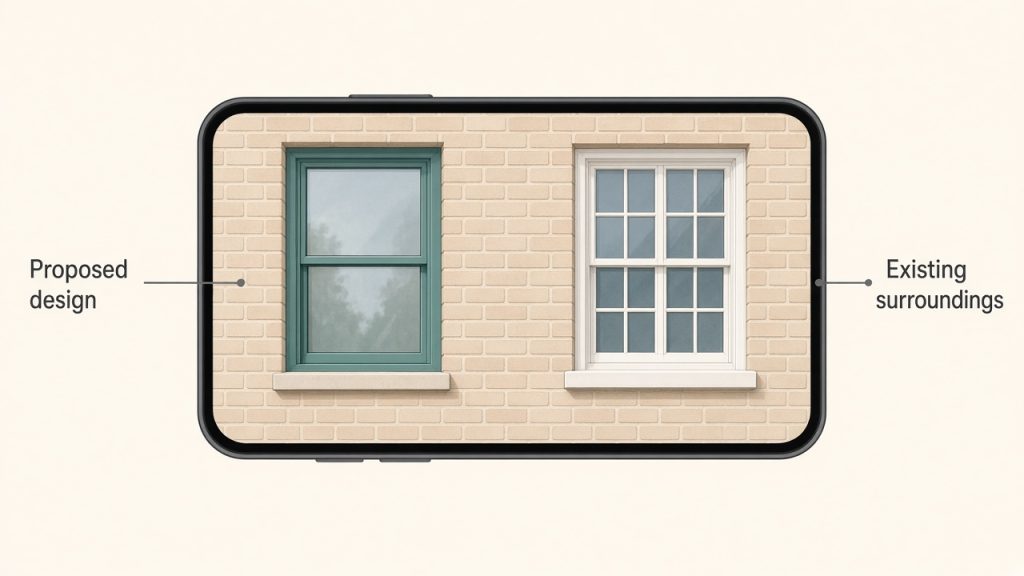
VisiRoom offers home-improvement models, including windows, and a Real Scale mode for placing designs against your home. The useful AR moment is seeing the proposal beside existing features, rather than imagining it from an isolated product picture. Your goal is a clearer design preference and a better question for an installer.
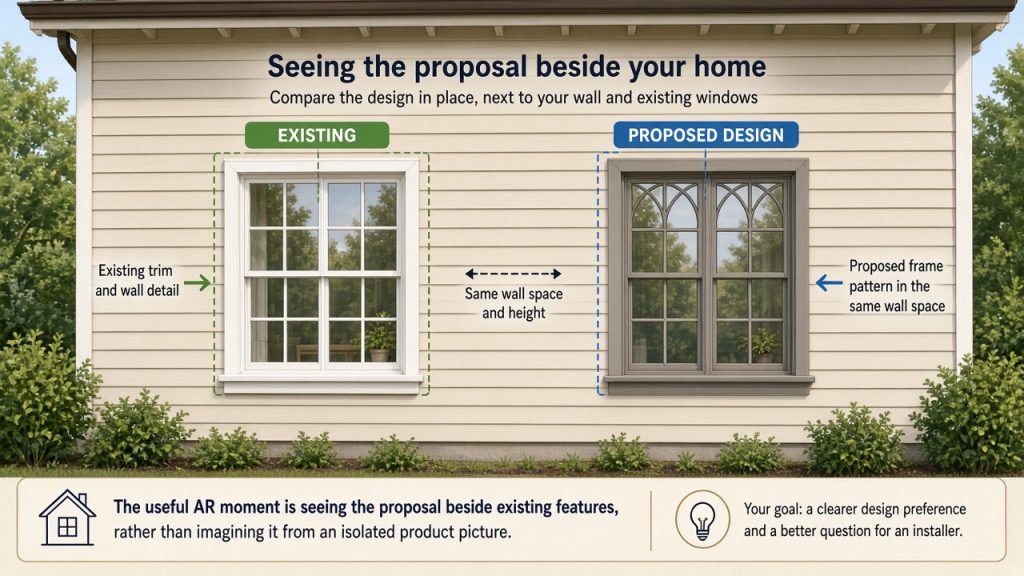
Start with one window and one decision
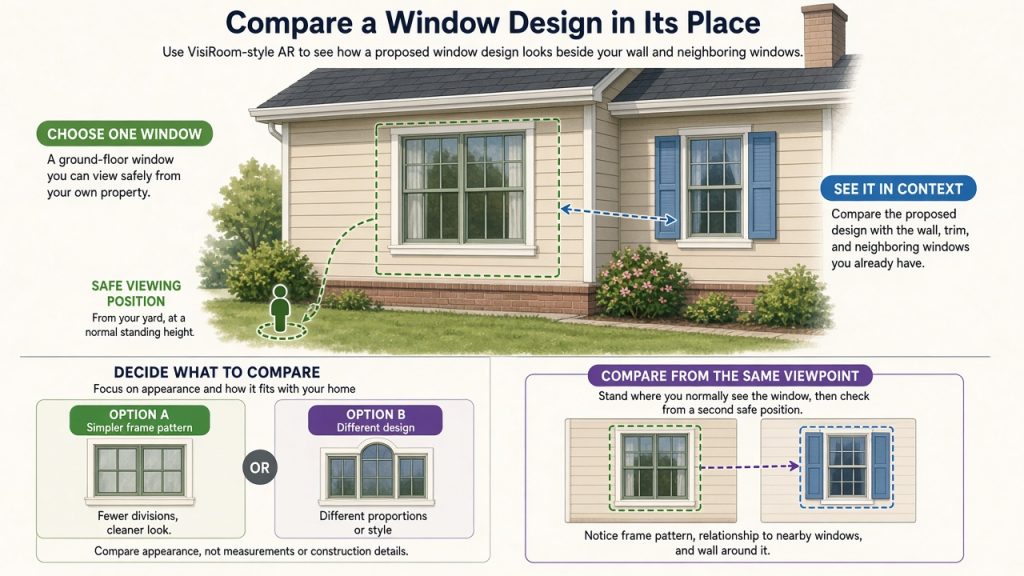
Choose a ground-floor window you can view safely from your own property. Decide what you want to compare: perhaps a simpler frame pattern, or how a different design sits beside the next window. Keep the task about appearance; this session does not establish the dimensions or construction details needed to order a replacement.
VisiRoom has listings for iPhone and iPad and Android. The U.S. Apple listing shows a free download and requires iOS or iPadOS 14 or later as checked November 8, 2026. Check compatibility on your own device before starting. A free app download does not mean the proposed window or installation is free.
Give the design a fair comparison
Open the app and look for a window model relevant to your project. The developer also provides a design catalogue. Treat a sample as a way to explore an idea, not proof that a particular supplier can provide that exact product.
- Place one proposal. Use Real Scale mode and follow the app's placement guidance. View the design against the part of your home you want to discuss.
- Choose a repeatable viewpoint. Stand where you normally see that window, then look from a second safe position. Notice the frame pattern, its relationship to nearby windows, and the amount of wall around it.
- Change one thing. If a suitable alternative is available, compare it from the same positions. Otherwise compare the proposal with the existing window. Write one reason you prefer either view.
- Keep a reference. Save a snapshot using the app's documented snapshot feature. Add a separate note naming the design and the question it raised; the note is your own companion to the image.
If the model will not settle into a useful position, stop treating that view as evidence of fit. You can still record the style you liked and ask an installer to check it. A persuasive overlay is a conversation aid, not a measured survey.
Turn the preview into a useful conversation
Bring your image and one question to the next discussion: “Could this frame pattern work in our existing opening?” or “Which detail would change in the real installation?” Keep appearance, confirmed dimensions and the actual quote as separate decisions.
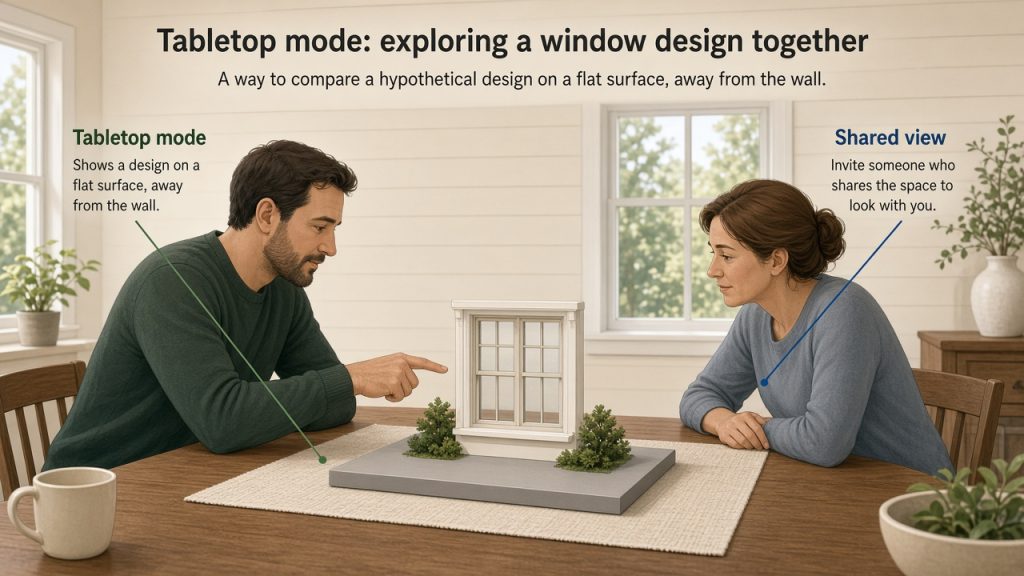
Invite someone who shares the space to look with you. VisiRoom's Tabletop mode offers another way to show a design on a flat surface, away from the wall. Ask what they notice before explaining your preference. That difference in perspective may reveal a detail you overlooked.
Try one window before planning the whole house. Leave with one preferred direction, one saved reference and one unresolved question. What looked convincing in isolation but changed when you saw it beside your own home?